Unreal Blueprints
Pocket Guide
- My Unreal Blueprints Pocket Guide summarizes the most important concepts for using Blueprints.
Introduction
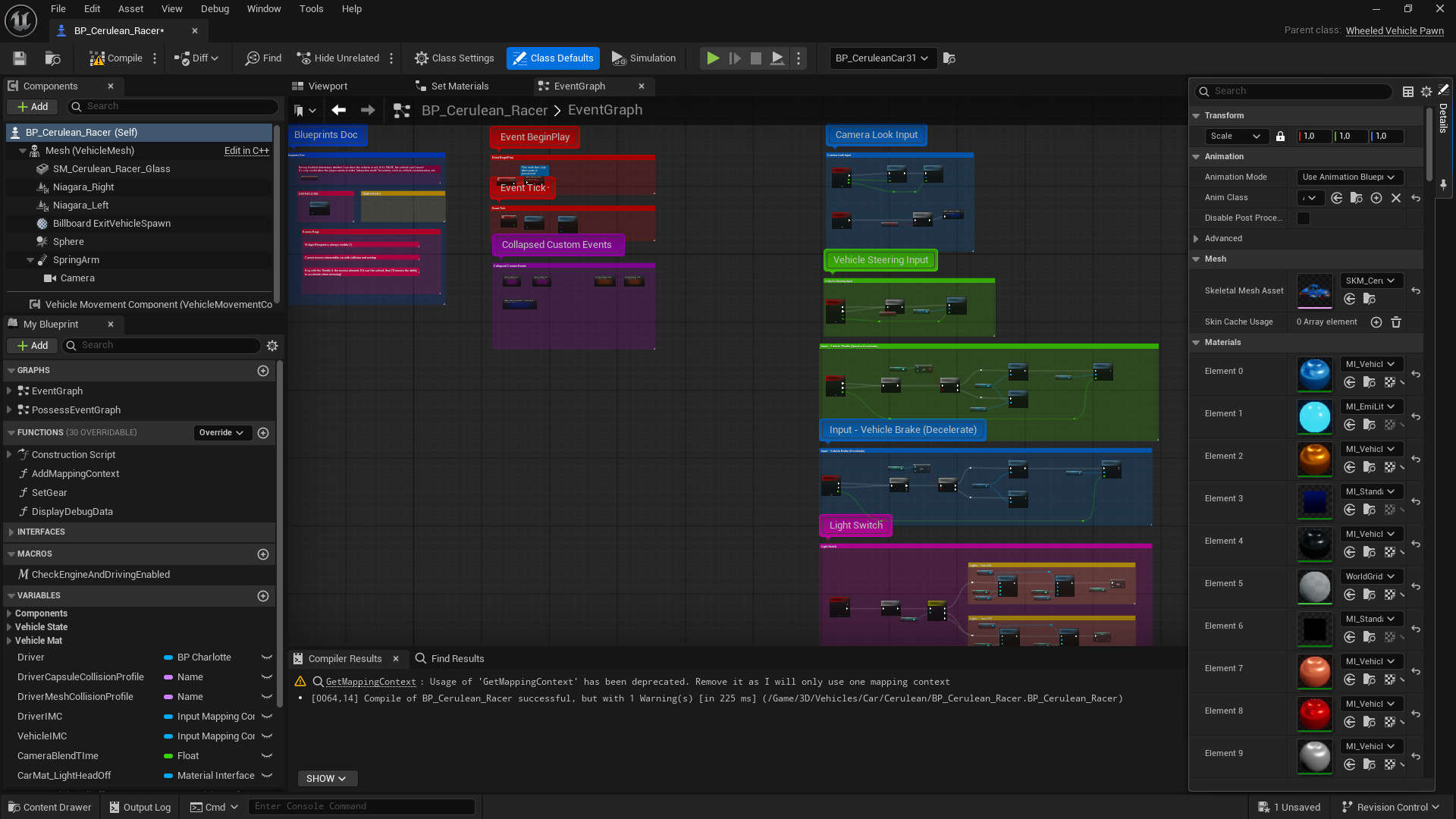
Introduced in March 2014 with the launch of Unreal Engine 4, Blueprint is a high-level visual programming language (or scripting language) mostly for high-level gameplay programming and prototyping.
Designed to complement the power of C++, it enables me to quickly create new gameplay mechanics seamlessly.
It replaced both UnrealScript, a scripting language available from UE 1 to 3, and Kismet, a level-based visual scripting system integrated into Unreal Engine 3 and UDK, developed around late 2004.
Because it was level-based, developers had to copy and paste Kismet from one level to another, as far as I know (I never used UE3 or UDK 😅).
This idea of linking a visual script to a level is the reason why we have Level Blueprint, which is pretty much like Kismet, as opposed to Class Blueprint, independent of any existing level 😉!
Besides, visual scripting systems are common in game engines, both proprietary engines such as the Decima Engine (Horizon series, Death Stranding series) and publicly available general-purpose engines such as Unity (although its visual scripting system did not exist when I was using Unity).
Blueprints is Programming
One misconception people have is that Blueprints are “easy”. Blueprints are not “easy” in the sense that it’s actually real programming and should be compared to Unity C#. Sure, it’s way easier and quicker to use/learn than Unreal C++, but most programming concepts, best practices, and principles are still very important.
Another misconception is that programmers with advanced knowledge should use Unreal C++ only, which I absolutely disagree with. Blueprints should always be used in the engine, no matter how much C++ is involved! Disregarding Blueprints is a huge mistake, as I will show next, and it can jeopardize a project and have tremendous consequences by leading to much longer development times (alright, I’m a bit overexaggerating, but still!).
Blueprints Skills
Overview
- test
Debug
- test
Types of Blueprints
- Level Blueprints
- Class Blueprints: Actor • Pawn • Character • Widget • Animation BP • Game Mode…
Variables
- Scope: local/ function scope • Class scope
- Container types (Single • Array • Set • Map)
- By value & By Reference
- Read-only Blueprints (constants) • Default values
Blueprint Communication
- Direct references (Get • Cast to • Interfaces)
- Event Dispatchers
Script types
- Functions
- Events
- Macros
- Event dispatchers
Events
- Begin Play • Tick